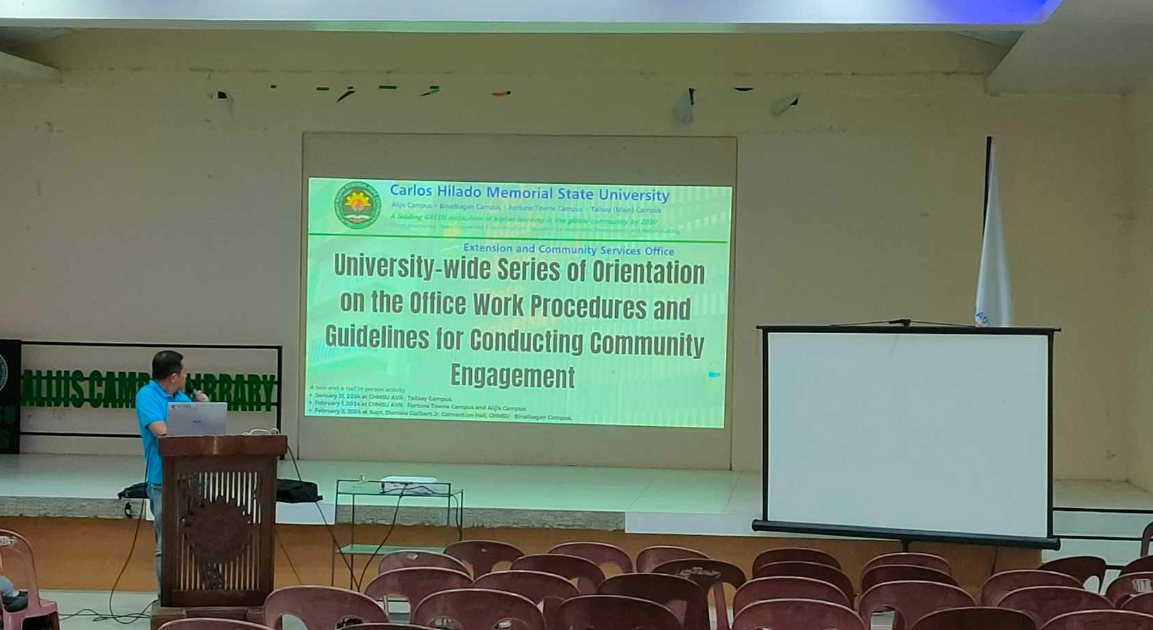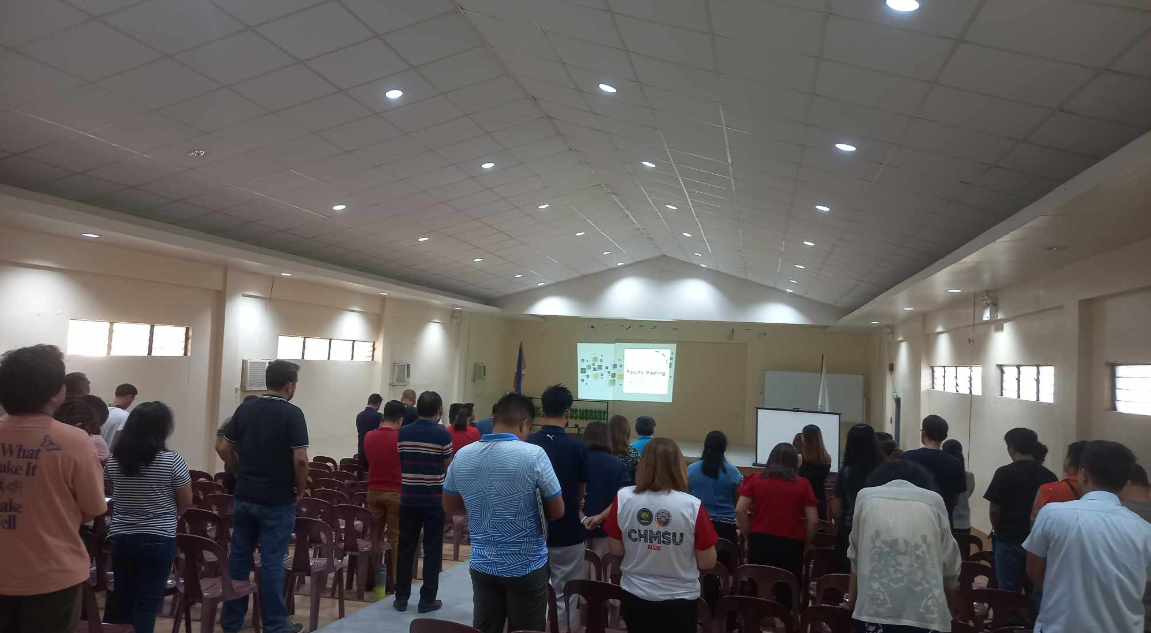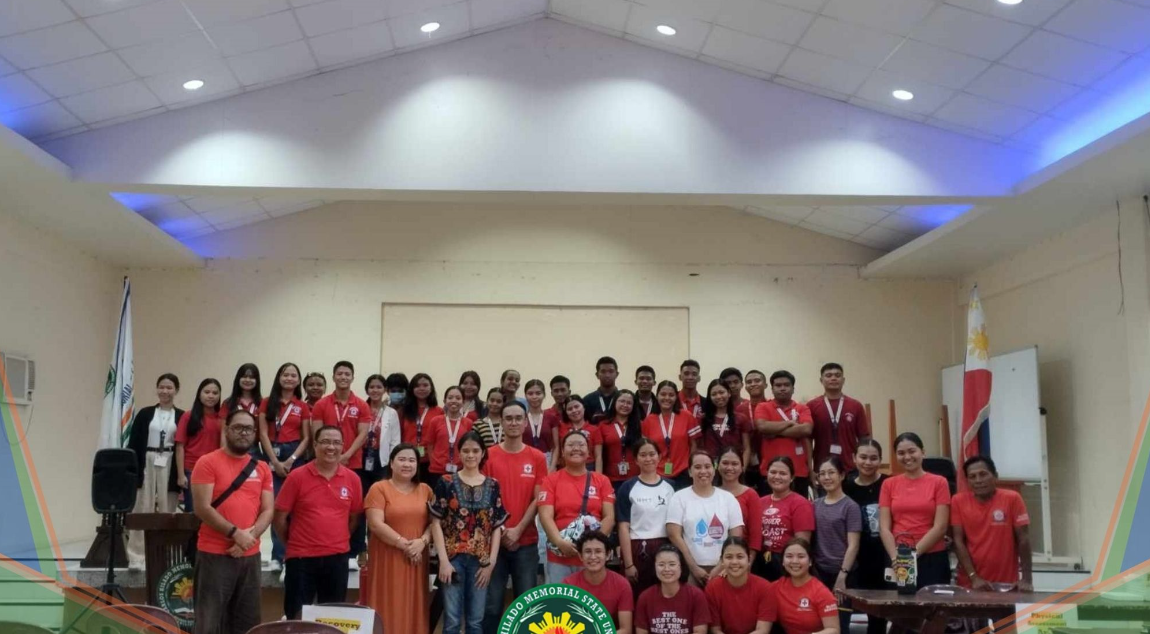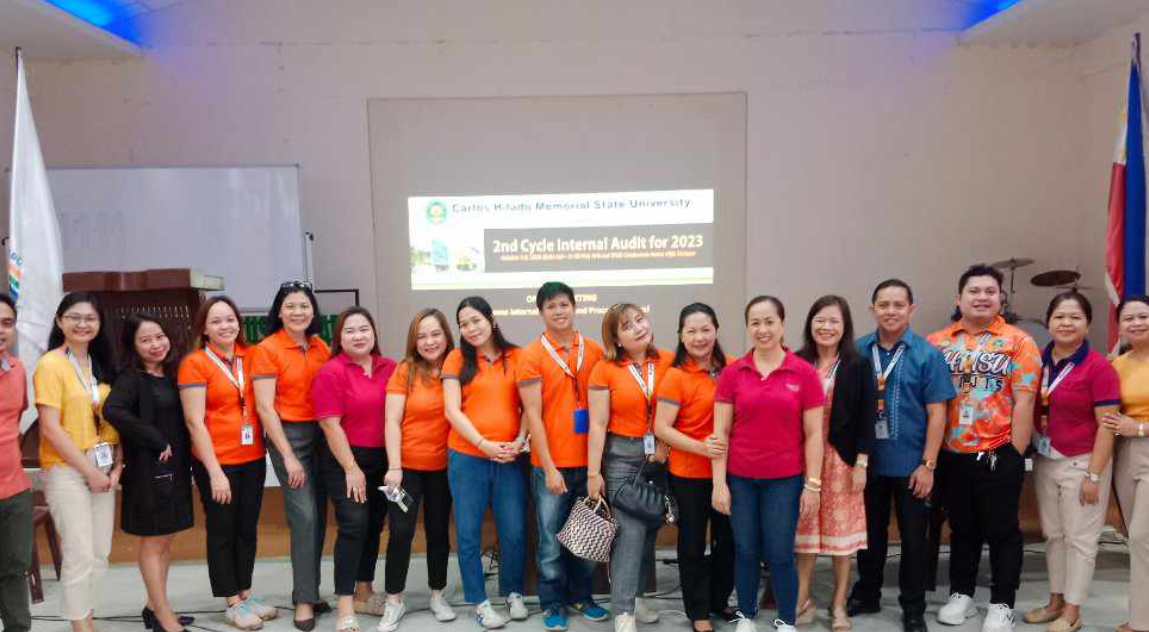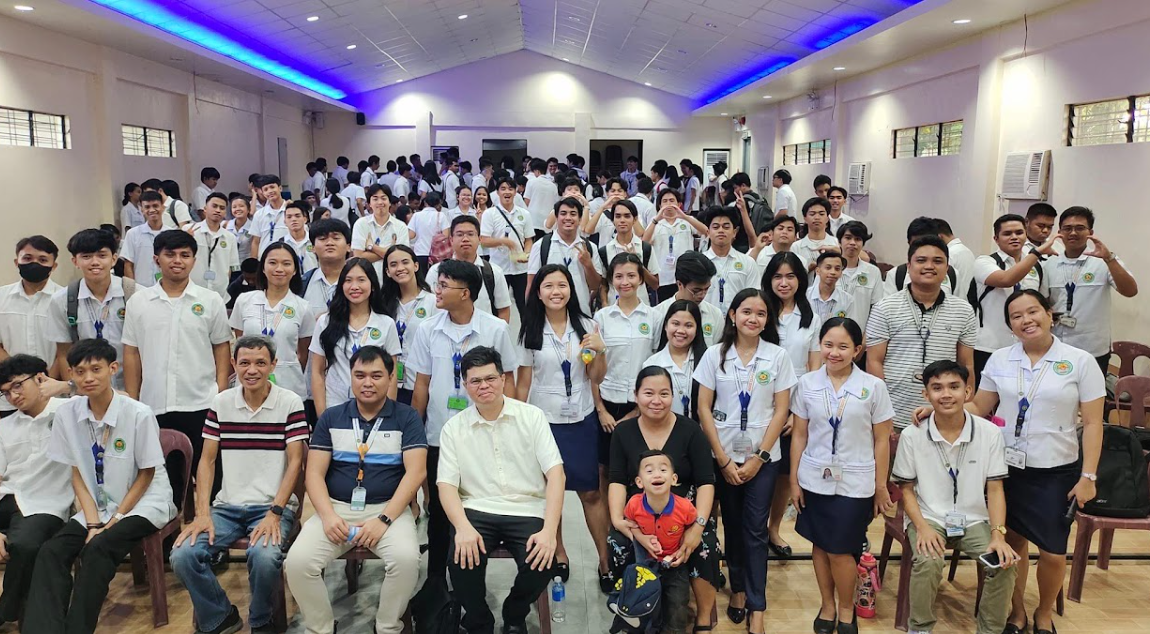
Alijis Campus Library
Learning Resource Center
close
Alijis Campus Library

Audio Visual Room
Home / Audio Visual Room

GUIDELINES:
- Faculty, staff, students, and club organizations recognized by the university
can use the audio-visual room.
- Reservations should be made at least three (3) days before the scheduled date
of the activity. This process should occur during working days. Users should fill out the
reservation request form in the library’s multimedia section.
- The AVR is designated for 100 participants, which is the minimum head count to
be allowed in using the AVR.
- The library in-charge must be informed if the reservation will be canceled at
least four (4) hours before the scheduled time.
- AV materials and facilities cannot be taken outside the venue.
- AV materials and facilities damaged or destroyed due to carelessness will be
charged against the user.
- In cases where classes are suspended on the day of the scheduled use of AVR,
the user may reschedule the date of his/her reservation.
PROCEDURES:
- Verify if the AVR is available on the desired date and time.
- Start the reservation process.
- Present and attach the approved letter for your activity and complete the
reservation request form at the Library.
- Have it signed by the Campus Executive Director to confirm your AVR
reservation.
- Submit the reservation request form to the Library for record filing.
- Familiarize yourself with the policies and guidelines related to AVR usage.
- If required, follow the guidelines to change or cancel the reservation.
CANCELLATION:
- If you need to cancel your reservation, initiate the cancellation process as
soon as possible.
- Contact the designated library personnel responsible for AVR reservations
through phone, email, messenger, or in-person.
- Clearly communicate the details of your reservation, including the date, time,
and purpose of use.
- Give a detailed explanation of the reservation cancellation.
- The person-in-charge of AVR reservations should take note of the cancellation.